45331697675
14 March 2013
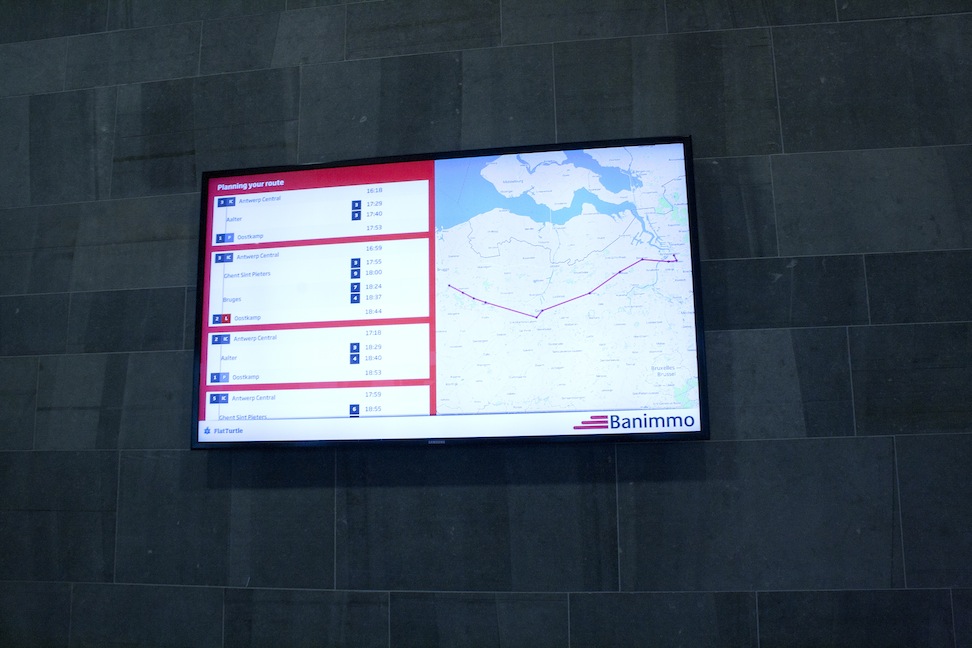
Atlantic House: route planning using the tablet.

13 March 2013
Hi,
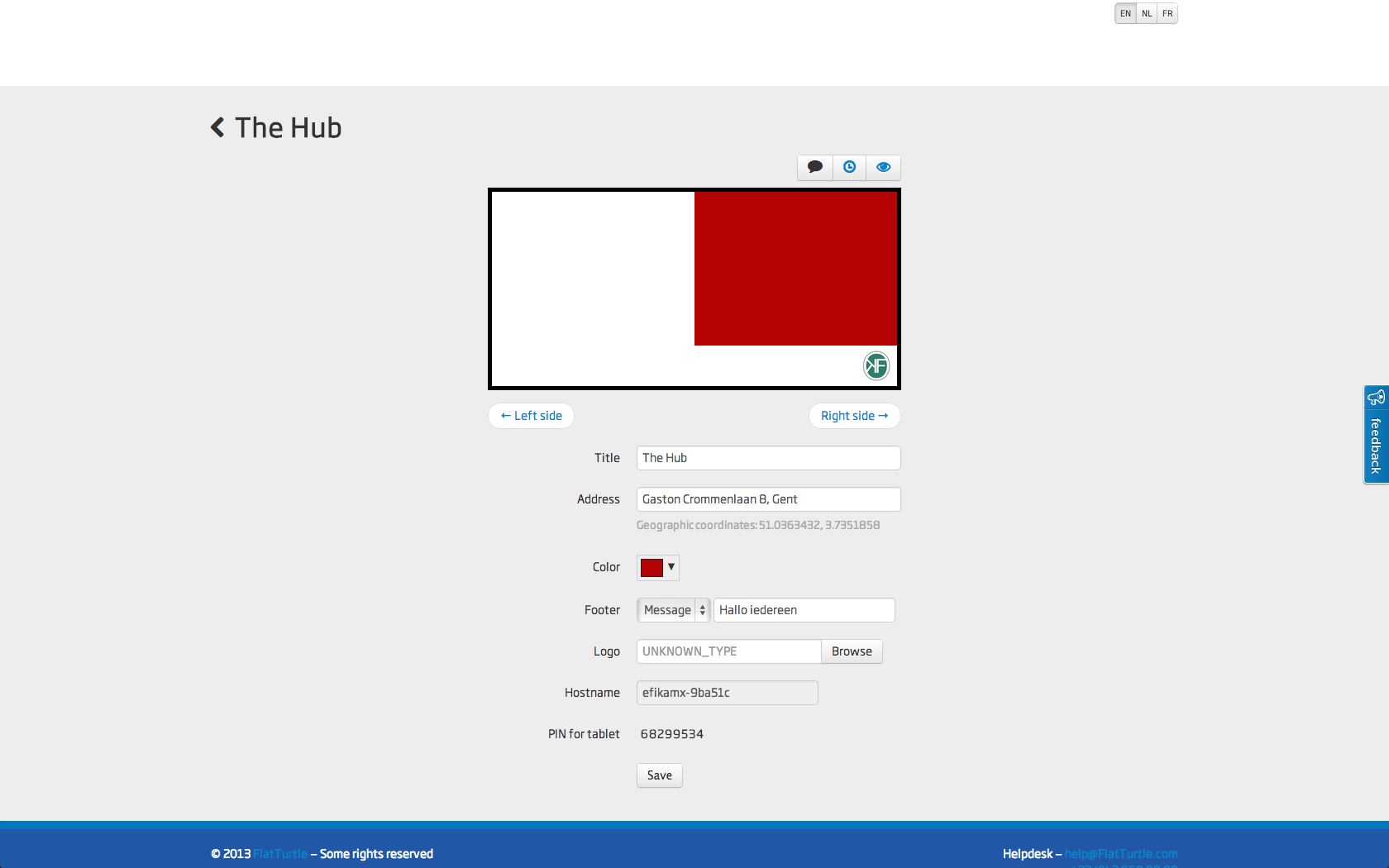
I’ll take this opportunity to give a quick work of explanation about the buttons you see in MyTurtle Panel.

From left to right:
1. Message
2. Clock (blue = enabled)
3. Screen power (blue = turned on)
4. Reload
Message allows you to put a short message, full screen, on your
FlatTurtle. This message will exist for a short time (about 30 seconds). After
that, the normal information will be displayed again.
By the way, if you want a more permanent solution, take a look at the “Footer”
option, and select “Message”. This will put a permanent message at the bottom
on your FlatTurtle.
12 March 2013
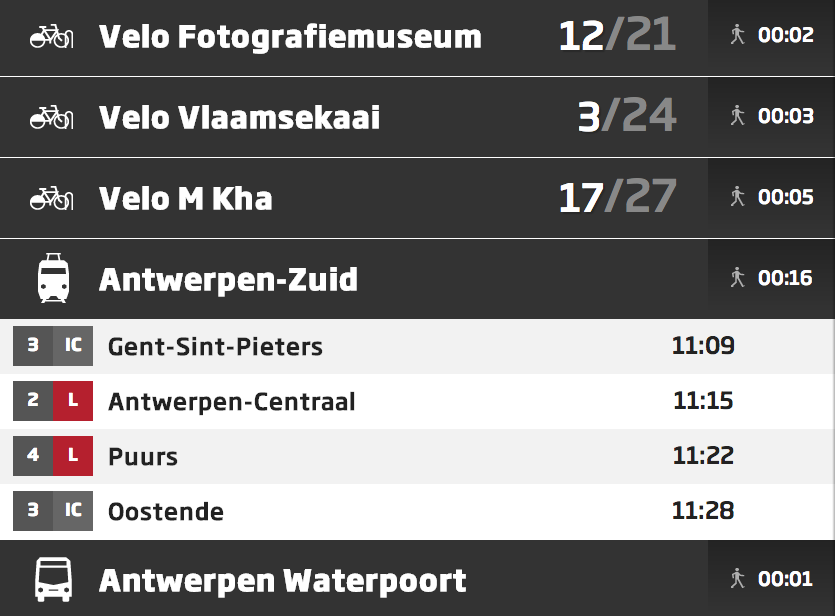
After being unavailable for a little while, we’re happy to announce “walking times” are back!
The walking times are calculated directly from your location within the MyTurtle panel.
We have also rewritten the backend for this, which causes the walking times to be calculated just once, when the Turtle is created, and not every time MyTurtle is started (every morning). This reduces load drastically.
1 March 2013
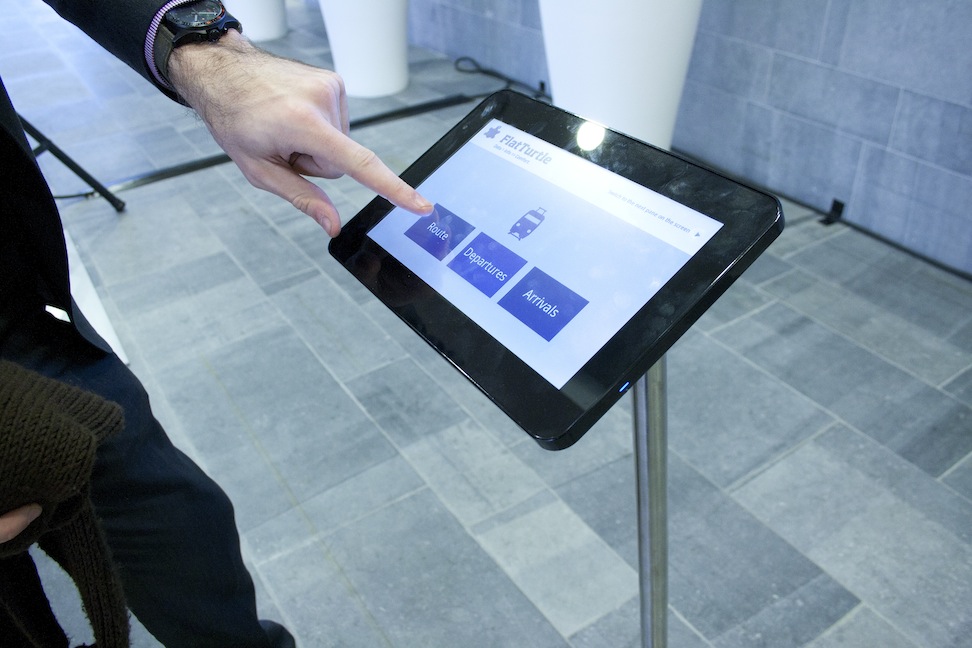
We heard you all right! We’re implementing all the feedback we’ve gathered for the tablet… Keep posted for updates!
26 February 2013
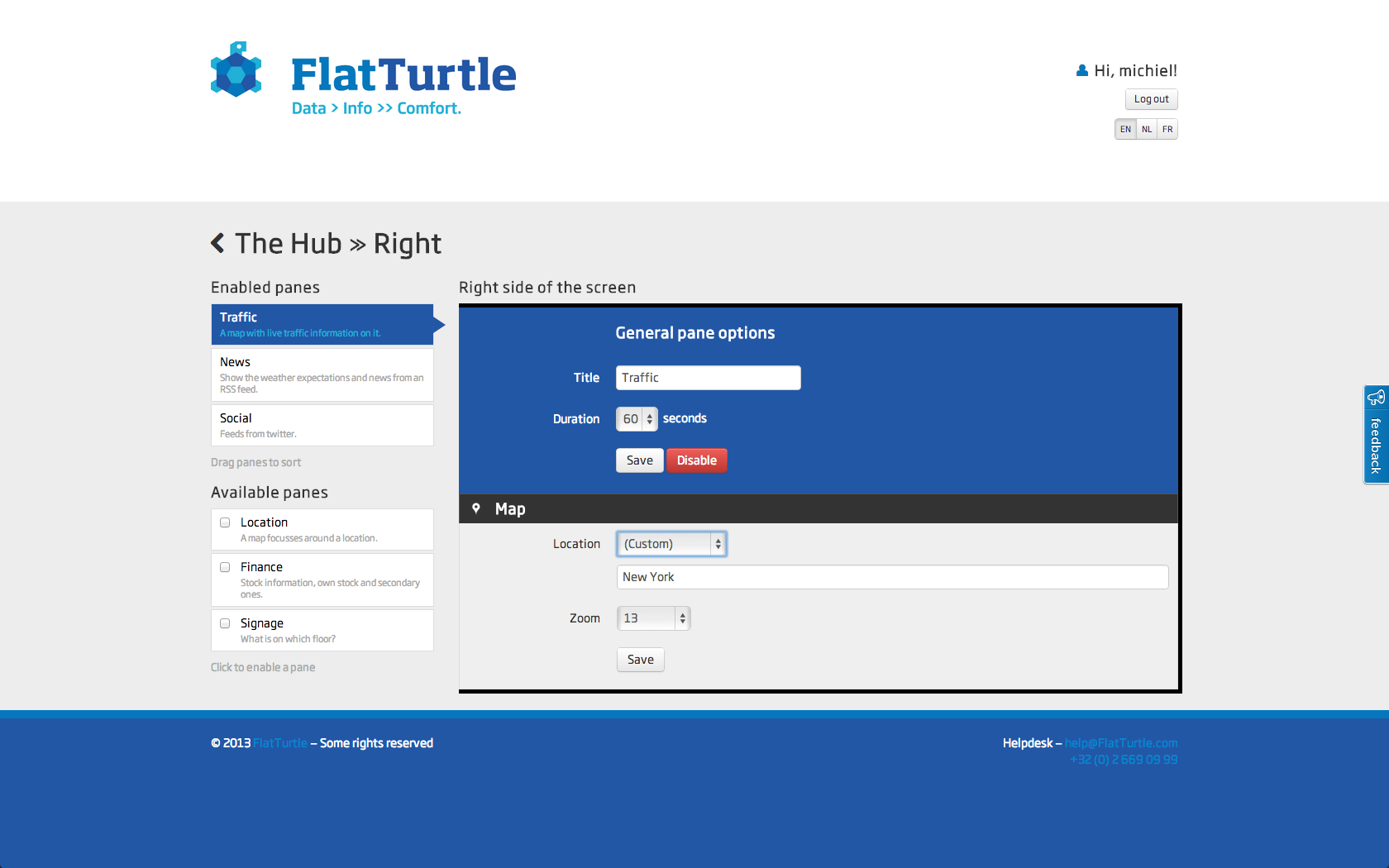
Sneak peek:
My.FlatTurtle.com: Editing the right pane options.
24 February 2013
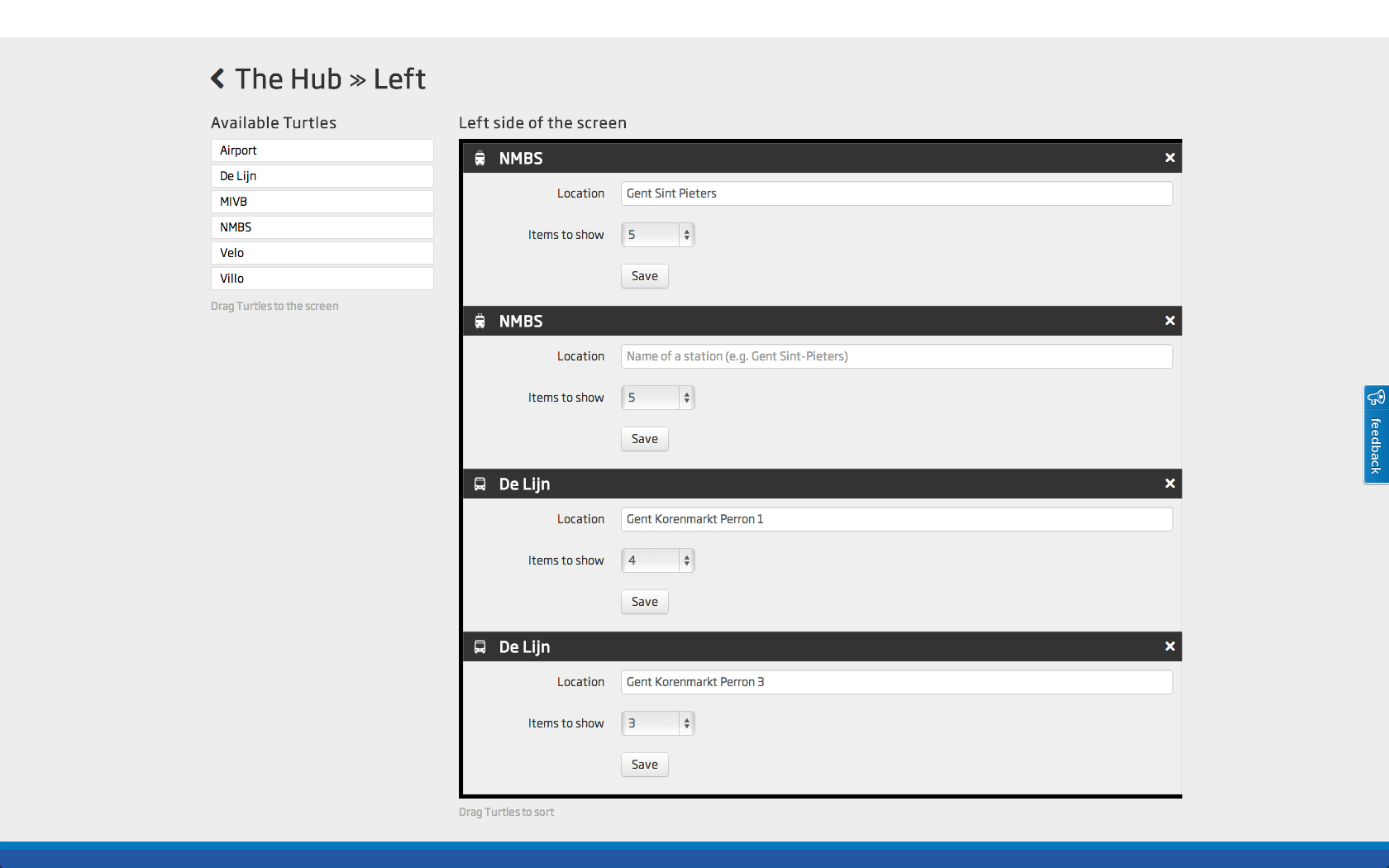
Sneak peek:
My.FlatTurtle.com: Editing the left pane options.
20 February 2013
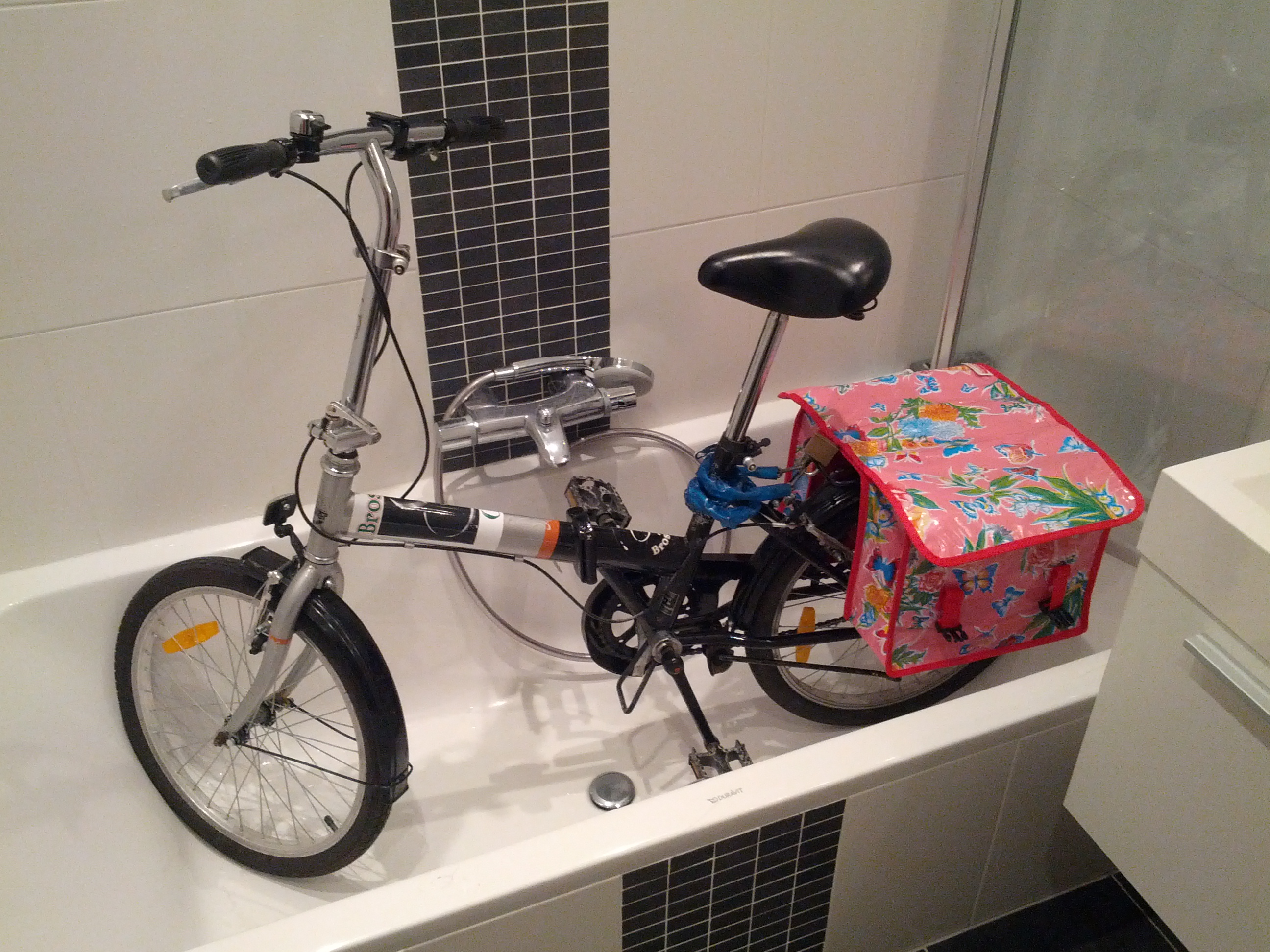
Finding a suitable parking spot can be hard. Why not use public transport more often?